Import FBX Files into SketchUp
Best FBX Importer Plugin for SketchUp - FREE Trial
Importer
Fast and accurate file conversions

FBX Importer
for SketchUp

Compatibility

  • Operating System: Windows 10 and Windows 11 Only.
  • Platforms: SketchUp versions 2023–2026.

Note

  • Mac Compatibility: This plugin is not currently compatible with Mac OS.
  • Plugin Updates: All updates for the first year are free. The plugin license is perpetual. After the first year, if you need updates or support, you’ll need to purchase a renewal.
Edit Template

Having trouble with your CAD plugin?

No Credit Card Required

Try the full version free

$0

Machine Locked License

One Machine

$69

Machine Locked Licenses for 2 users

Two Machine

$129

Transferable License

Single Floating

$269

Machine Locked License

Automation

$499

Maintain clean, optimized geometry

Features

Simplified UI

The plugin provides a clean and intuitive user interface designed for ease of use. Users can quickly access import options without navigating through complex menus, reducing the learning curve and improving overall workflow efficiency.

Import Textures

Supports accurate import of texture maps from FBX files. The plugin ensures that all associated texture files (diffuse, normal, etc.) are correctly applied to the model, preserving the original look and feel of the asset.

Import Colors

Retains and applies color information embedded within the FBX file. Whether colors are assigned per material or per object, they are preserved during import to ensure visual consistency with the source model.

Maintains the Hierarchy of FBX File

Preserves the original structure of the FBX file, including parent-child relationships, grouping, and object organization. This allows users to work with the model in SketchUp exactly as it was structured in the source software, making editing and navigation easier.
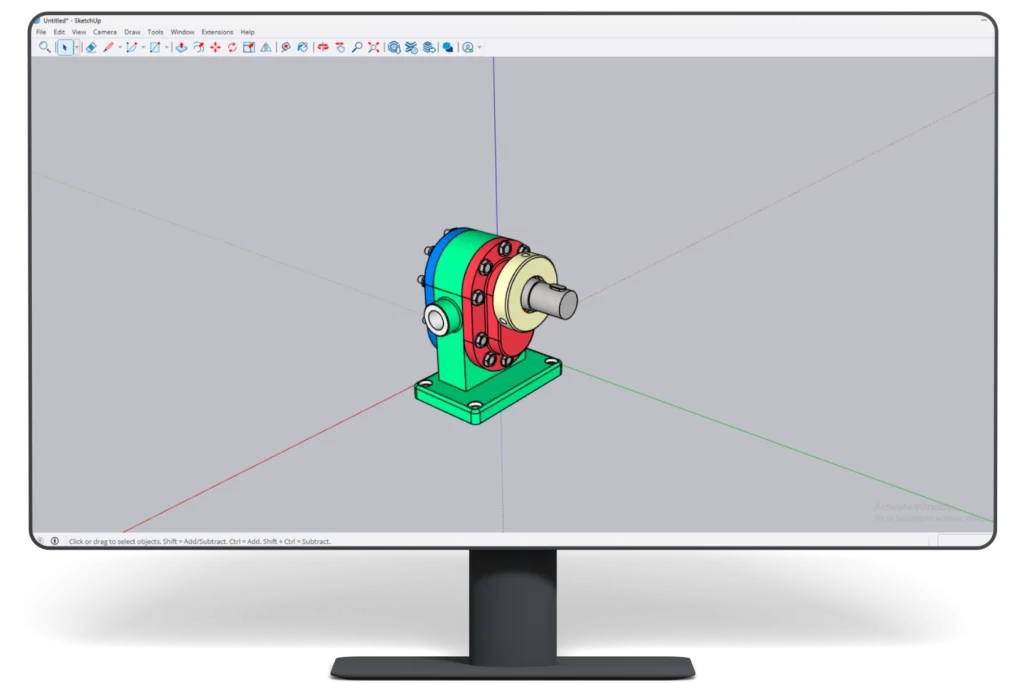
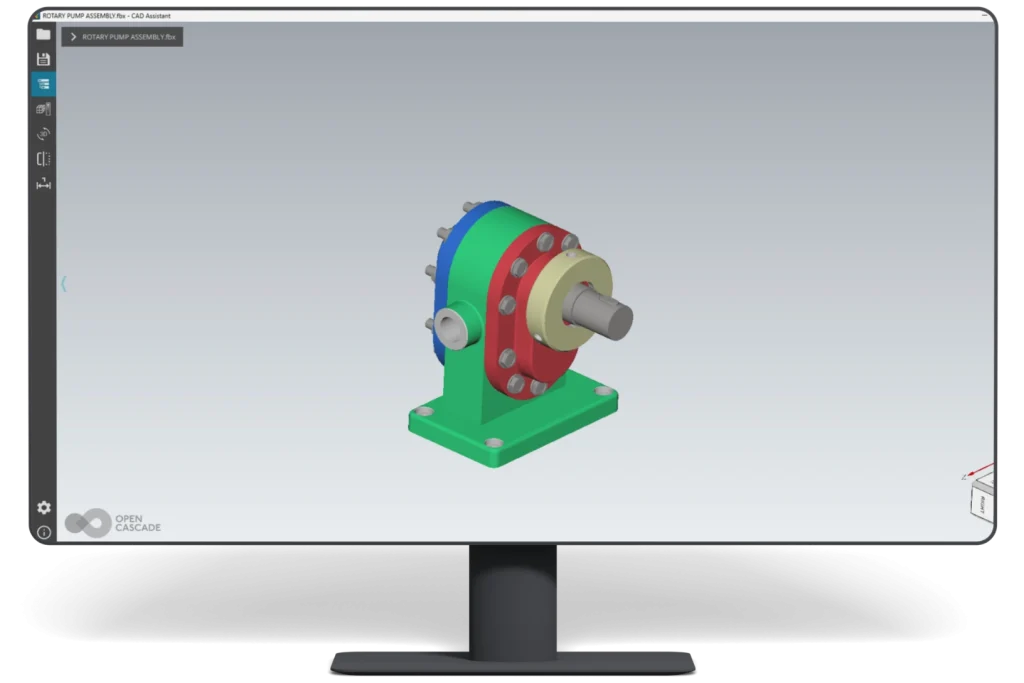
Supports Import of Large FBX Files

Optimized to handle large and complex FBX files efficiently. The plugin manages memory usage and processing to ensure smooth import performance, even for high-polygon models or scenes with multiple assets.

Additional
Info.

What Our Customers Are Saying About Us

Get FREE Product Demo

FBX Importer for SketchUp

Frequently Asked Questions

Which SketchUp versions are supported by the FBX Importer?

ProtoTech’s plugin supports the latest supported SketchUp versions from 2023 through 2026.

Which operating systems are supported by ProtoTech’s FBX Importer for SketchUp?

Yes. The plugin is designed for supported SketchUp installations on Windows 10 and Windows 11.

Is a free trial available for ProtoTech’s FBX Importer?

Yes. The trial version is activated automatically after installation and includes 30 exports for 15 days. Does not require a license key for trial use.

Does ProtoTech’s FBX Importer import textures?

Yes. The plugin supports texture maps associated with the FBX model, including available diffuse and normal texture resources.

Does the FBX Importer preserve materials?

The plugin imports available FBX material information and applies supported colors and textures to the converted SketchUp model.

Does the plugin preserve the FBX hierarchy?

Yes. ProtoTech’s importer preserves available parent-child relationships, groups, and object organization to make the model easier to navigate in SketchUp.

Can ProtoTech’s FBX Importer handle large files?

Yes. The importer is optimized for large and complex FBX models, although import speed depends on polygon count, texture size, memory, and hardware.

Can high-polygon FBX models be imported into SketchUp?

Yes, but very dense models may take longer to import and can affect SketchUp performance. Simplifying unnecessary geometry before import may improve usability.

Can I edit an imported FBX model in SketchUp?

Yes. After conversion, the imported geometry and supported materials can be reviewed and edited using applicable SketchUp tools.