

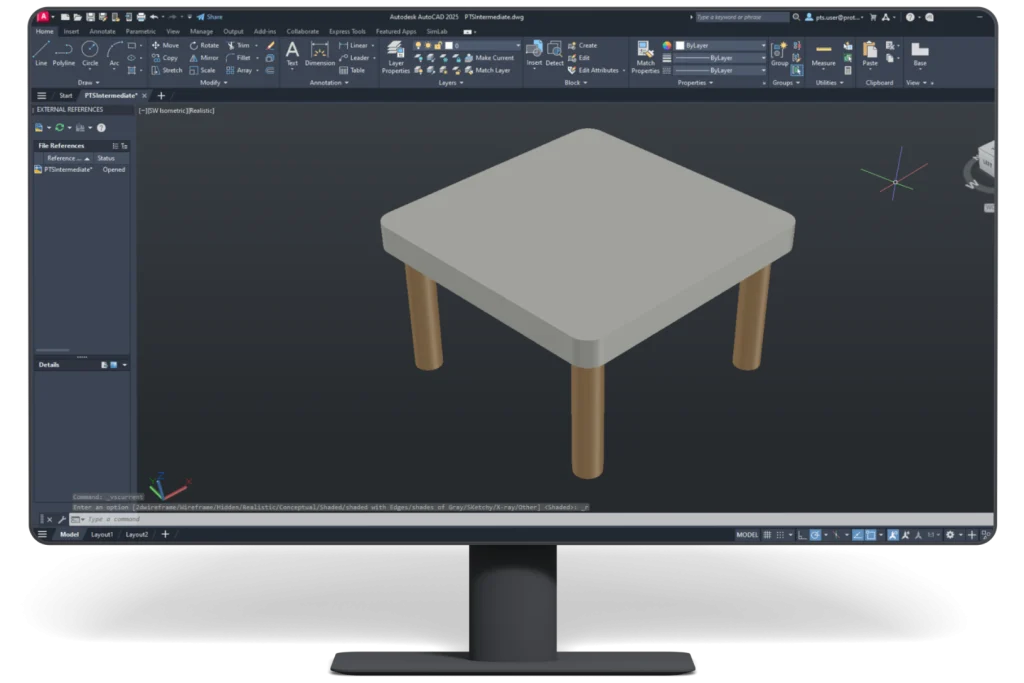
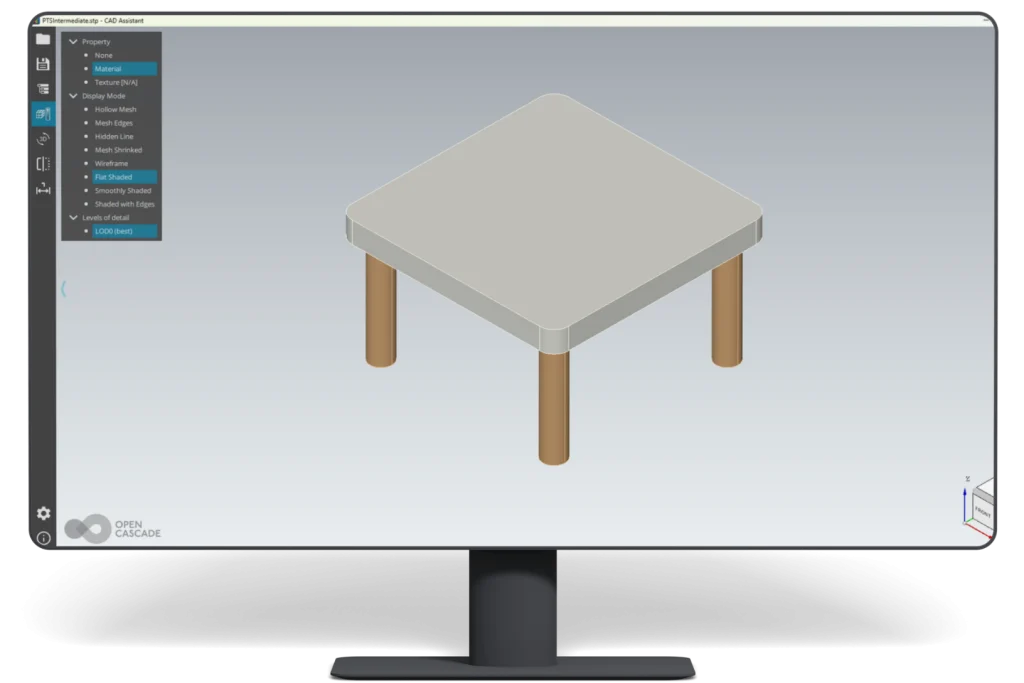

STEP Exporter
for AutoCAD
Compatibility
- Operating System: Windows 10 and Windows 11 Only.
- Platforms: AutoCAD versions 2024–2027.
Note
- Mac Compatibility: This plugin is not currently compatible with Mac OS.
- Plugin Updates: All updates for the first year are free. The plugin license is perpetual. After the first year, if you need updates or support, you’ll need to purchase a renewal.
Our Plugins are also Available on Autodesk Store
Having trouble with your CAD plugin?
Try the full version free
Trial
- Free trial of 30 exports for 15 days is available.
- License key is not required for a free trial.
- Full-featured trial version is available.
One Machine
Single Machine Locked License
- Single license can be activated on one machine.
- This license can not be released/moved on other machine.
- If machine/hardware (e.g motherboard, processor etc.) is changed then standalone license won’t work. User need to purchase new license.
Two Machine
Two Machine Locked License, by the Same User
- Two licenses will be provided and can be activated on two different machines at a time, by the same user
- This license can not be released/moved on other machine.
- If machine/hardware (e.g motherboard, processor etc.) is changed then standalone license won’t work. User need to purchase new license.
Single Floating
Single Floating License
- One license can be used on multiple machines. But on one machine at a time.
- User can release license from one machine and activate on another machine. User will always need internet connection during release and activation.
- To change hardware: User can release license from current machine and then activate same license on same machine after changing hardware.
Automation
Automation Licence
- Automation License enables programmatic export via plugin API
- Function can be called within the same host application
- No user intervention or GUI required for export
- Supports C++ or C# based integration
- Standard input parameters drive automated export process
- Seamless file export experience for end users
- Output is generated directly for downstream workflows
- Standard input parameters drive automated export process
Features
Color Export
Supports export of color.
Wire Data Export
Wire data export is supported.
Step Application Protocol
Export of Step Application Protocol AP203, AP214, AP242 supported.
Hidden Entities
Support hidden entities export.
Additional
Info.
STEP Exporter for AutoCAD
- Added 2027 support.
- 30 Exports and 15-day trial.
Enhancement:
- Supports AutoCAD 2025 and 2026.
Enhancement:
- Added support to AutoCAD 2023 & 2024.
Features:
- Fixed license issue.
- Supports AutoCAD 2022 and 2023.
Features:
- Color Export is supported.
- Export of Step Application Protocol AP203, AP214, AP242 supported.
- Wire data export is supported.
- Support AutoCAD 2020 and 2021, 2022 and 2023.
License Upgrade
Education Discount Enquiry
What Our Customers Are Saying About Us
Get FREE Product Trial
Frequently Asked Questions
Does STEP Exporter for AutoCAD support .dwg and .dxf files?
Yes. Users can open AutoCAD-supported .dwg or .dxf files in AutoCAD and export the model data to STEP format using the plugin.
What output file formats does the STEP Exporter create?
The plugin exports AutoCAD model data to STEP formats such as .step and .stp.
Can STEP files be opened in other CAD software?
Does the plugin preserve model geometry?
Yes. The plugin is designed to preserve design accuracy and geometry during AutoCAD to STEP export.
Does STEP Exporter help with CAD interoperability?
Yes. It converts AutoCAD model data into STEP, a neutral format used for sharing data across different CAD tools.
Can AutoCAD STEP exports be used in SolidWorks, CATIA, Creo, or NX?
Yes. STEP files are commonly used to exchange design data with major CAD platforms, depending on the receiving software’s import support.
Does ProtoTech’s STEP Exporter support local file export?
Yes. It exports AutoCAD model data to a STEP file on the user’s local system.
Is there a free trial for ProtoTech’s STEP Exporter for AutoCAD?
Yes. The trial version is activated automatically after installation and includes 30 exports for 15 days. Does not require a license key for trial use.
Cookie Consent
We use cookies to improve your experience on our site. By using our site, you consent to cookies.
Cookie Preferences
Manage your cookie preferences below:
Essential cookies enable basic functions and are necessary for the proper function of the website.
Google reCAPTCHA helps protect websites from spam and abuse by verifying user interactions through challenges.
Google Tag Manager simplifies the management of marketing tags on your website without code changes.
Statistics cookies collect information anonymously. This information helps us understand how visitors use our website.
Google Analytics is a powerful tool that tracks and analyzes website traffic for informed marketing decisions.
Service URL: policies.google.com (opens in a new window)
You can find more information in our Cookie Policy .