


Our Plugins are also Available on Autodesk Store
Having trouble with your CAD plugin?
$399
$499
Allows users to include or exclude hidden parts and components during FBX export.
Preserves and exports applied textures to maintain the original visual appearance.
Exports rebar from Revit into SketchUp format, keeping their shape and position intact.
Preserves original part and vertex colors during the import process.





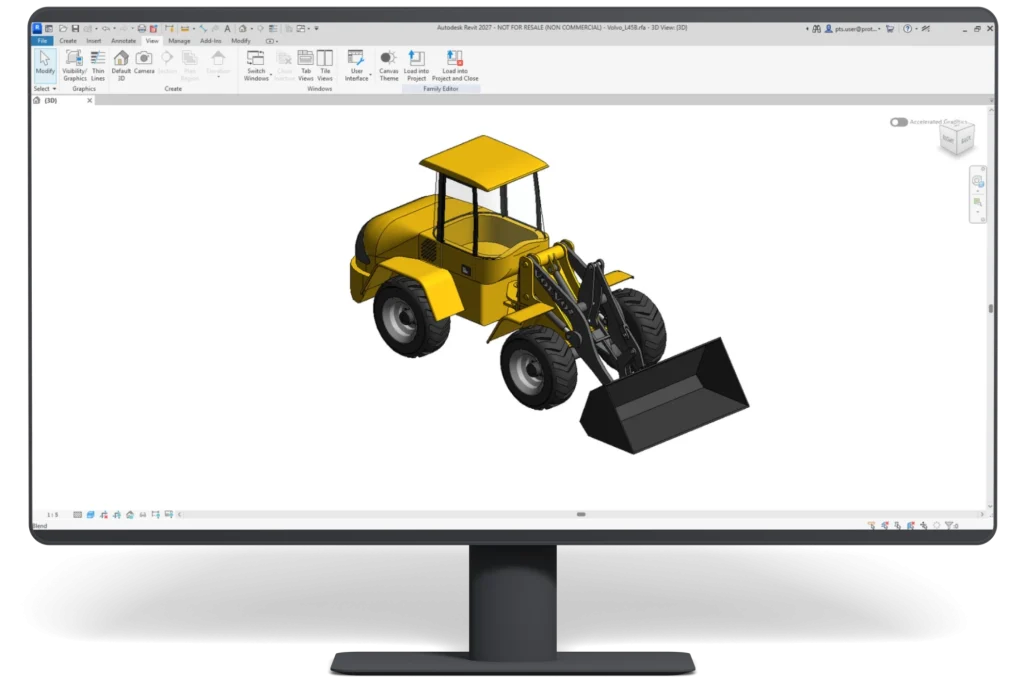
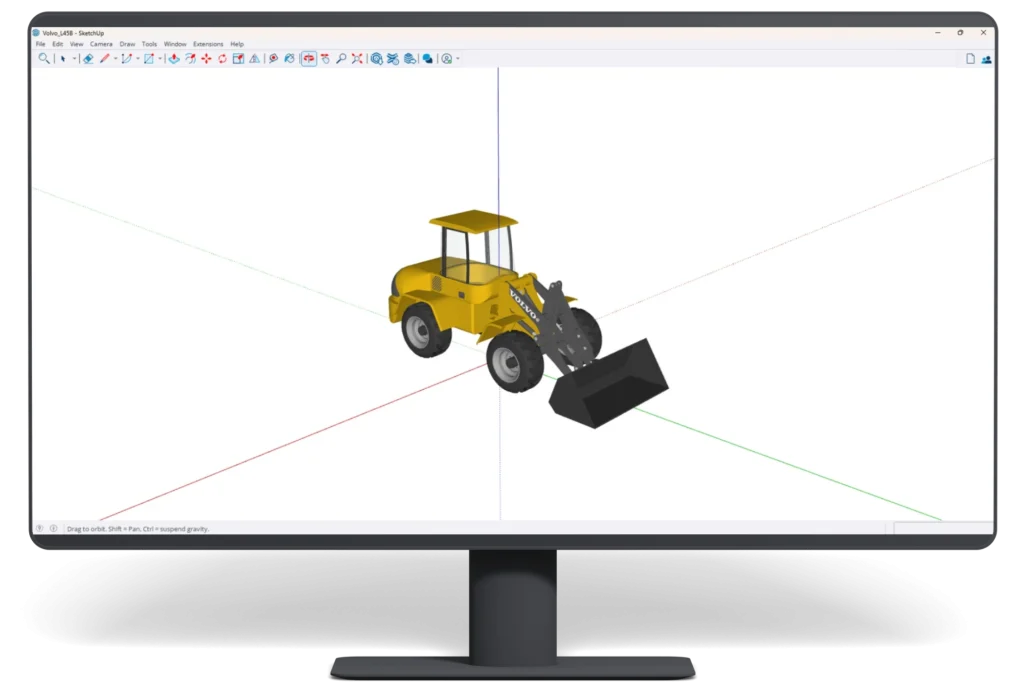
ProtoTech’s SKP Exporter supports Revit project (.RVT), family (.RFA), and template (.RTE) files, exporting their 3D models to SketchUp (.SKP) format.
The plugin is designed to translate Revit geometry accurately. Final results can vary with model complexity, unsupported Revit entities, and the receiving application.
Yes. Color export is supported.
The exporter preserves supported visual appearance for SketchUp use, but the result is not a native Revit BIM model.
Yes. Applied textures can be exported.
Hidden elements can be included or excluded, and selective element export is available.
Yes. Tessellation quality, precision, scaling, rotation, and axis controls are available.
The main focus is accurate visual and geometric transfer into SketchUp.
The plugin is designed for supported Autodesk Revit installations on Windows 10 and Windows 11.

We use cookies to improve your experience on our site. By using our site, you consent to cookies.
Manage your cookie preferences below:
Essential cookies enable basic functions and are necessary for the proper function of the website.
Google reCAPTCHA helps protect websites from spam and abuse by verifying user interactions through challenges.
Google Tag Manager simplifies the management of marketing tags on your website without code changes.
Statistics cookies collect information anonymously. This information helps us understand how visitors use our website.
Google Analytics is a powerful tool that tracks and analyzes website traffic for informed marketing decisions.
Service URL: policies.google.com (opens in a new window)
You can find more information in our Cookie Policy .
 Autodesk App Store